Many businesses spend hours every week repeating the same activities: entering data, sending reminders, updating spreadsheets, scheduling appointments and preparing reports.
Business process automation uses software to perform repetitive, rule-based tasks with less manual effort. AI can also help with tasks involving unstructured text, document classification or information extraction, while conventional automation is often enough for predictable processes.
The best place to start is a task that happens often, follows clear rules and uses a measurable amount of time.
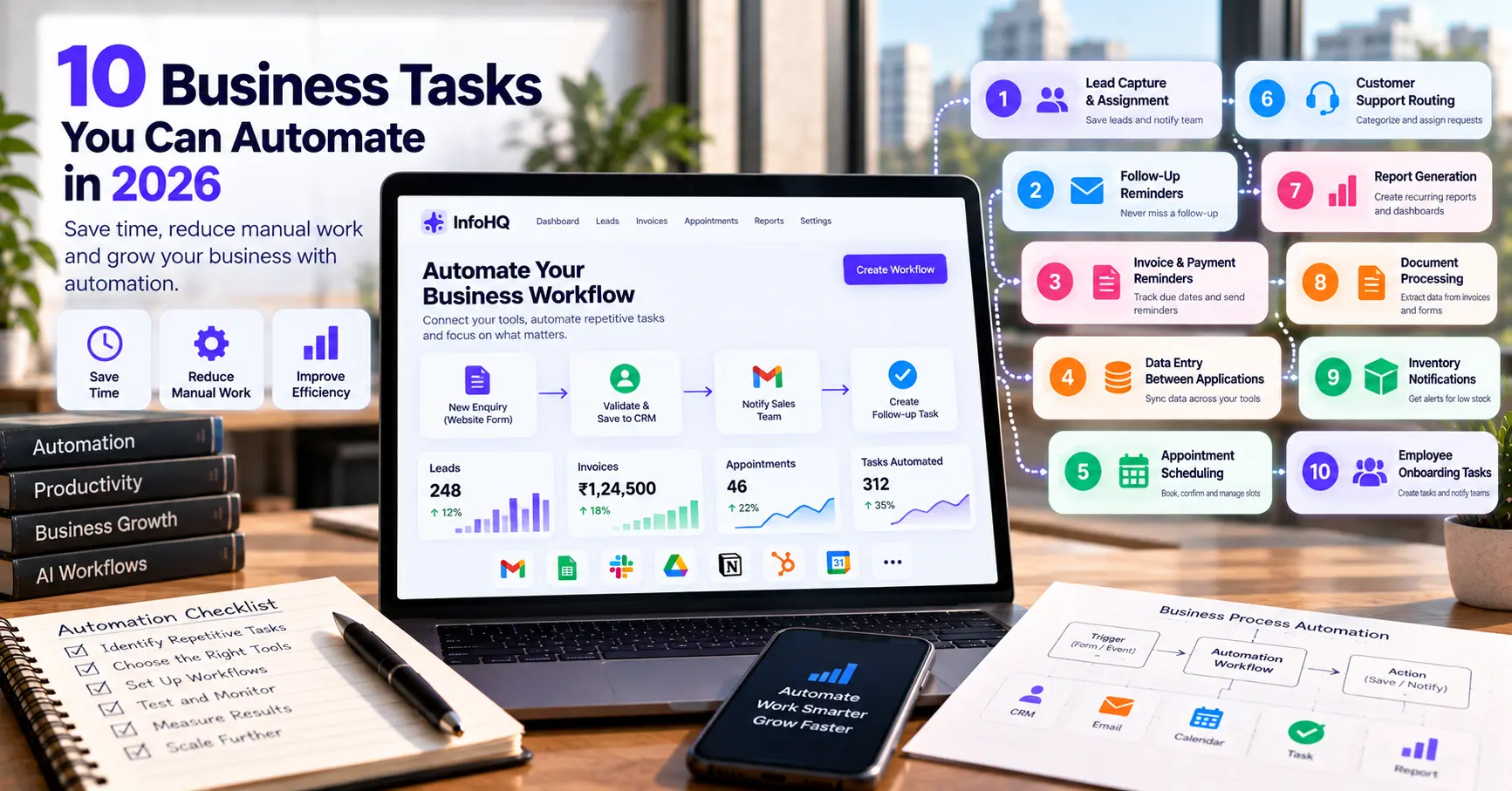
10 Business Tasks Worth Automating
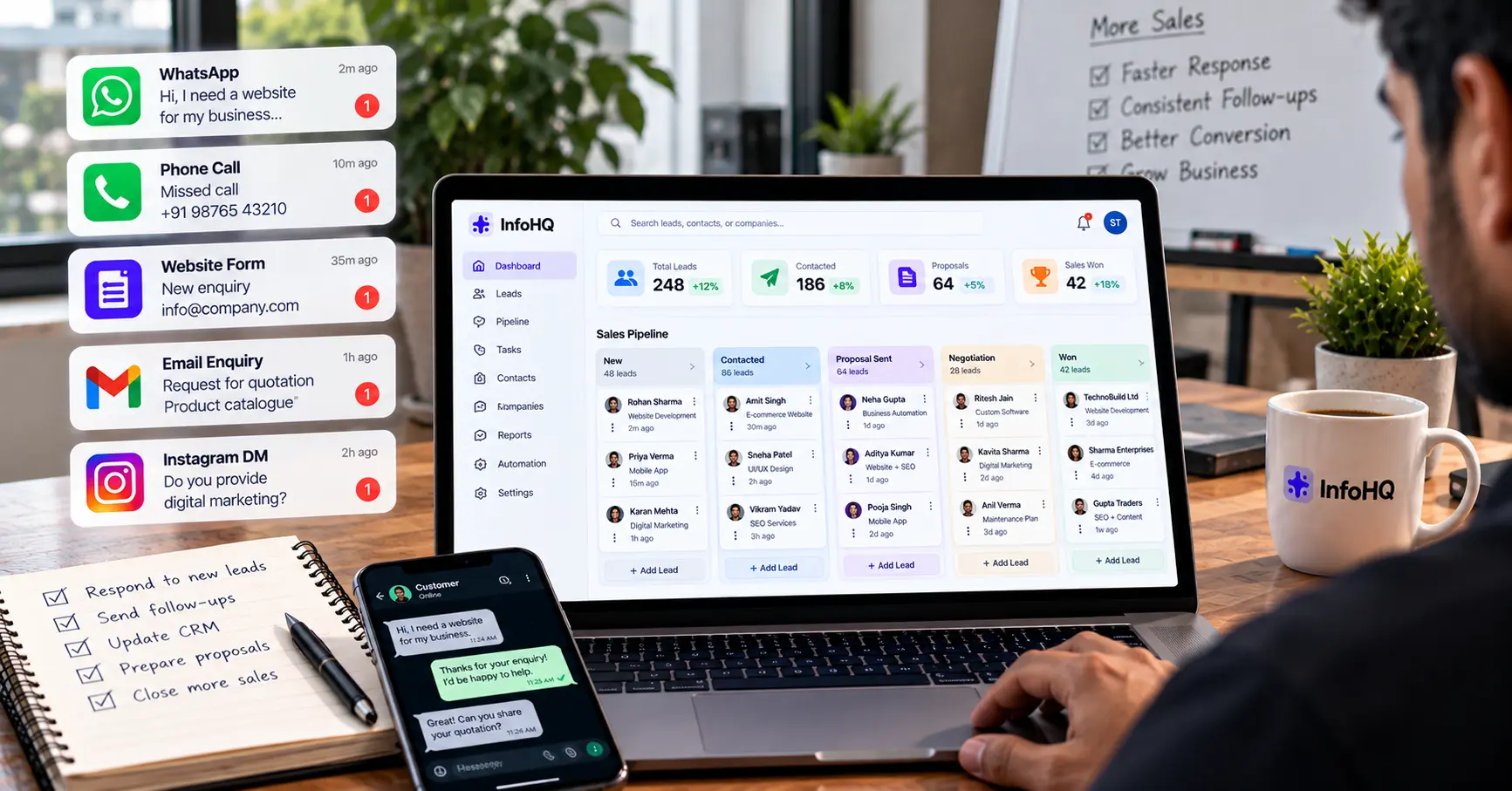
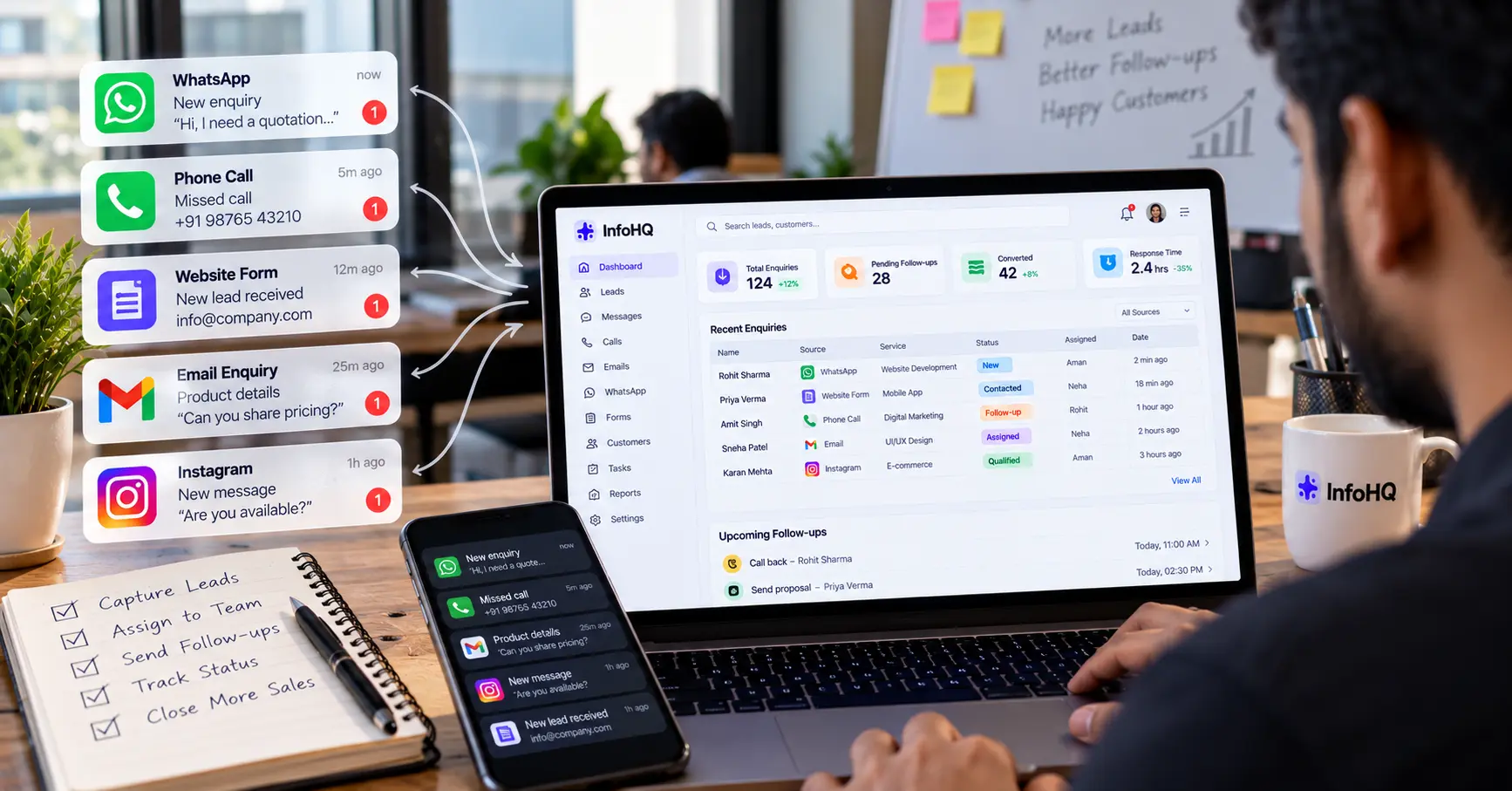
1. Lead Capture and Assignment
When someone submits a website form, automatically validate the information, save the lead to a CRM and notify the right sales representative.
Benefit: Fewer lost enquiries and less manual data entry. See lead handling automation for a fuller walkthrough.
2. Follow-Up Reminders
Create follow-up tasks when a lead has not received a response within the agreed time.
Benefit: More consistent sales follow-ups. Keep messages relevant and respect customers’ communication preferences.
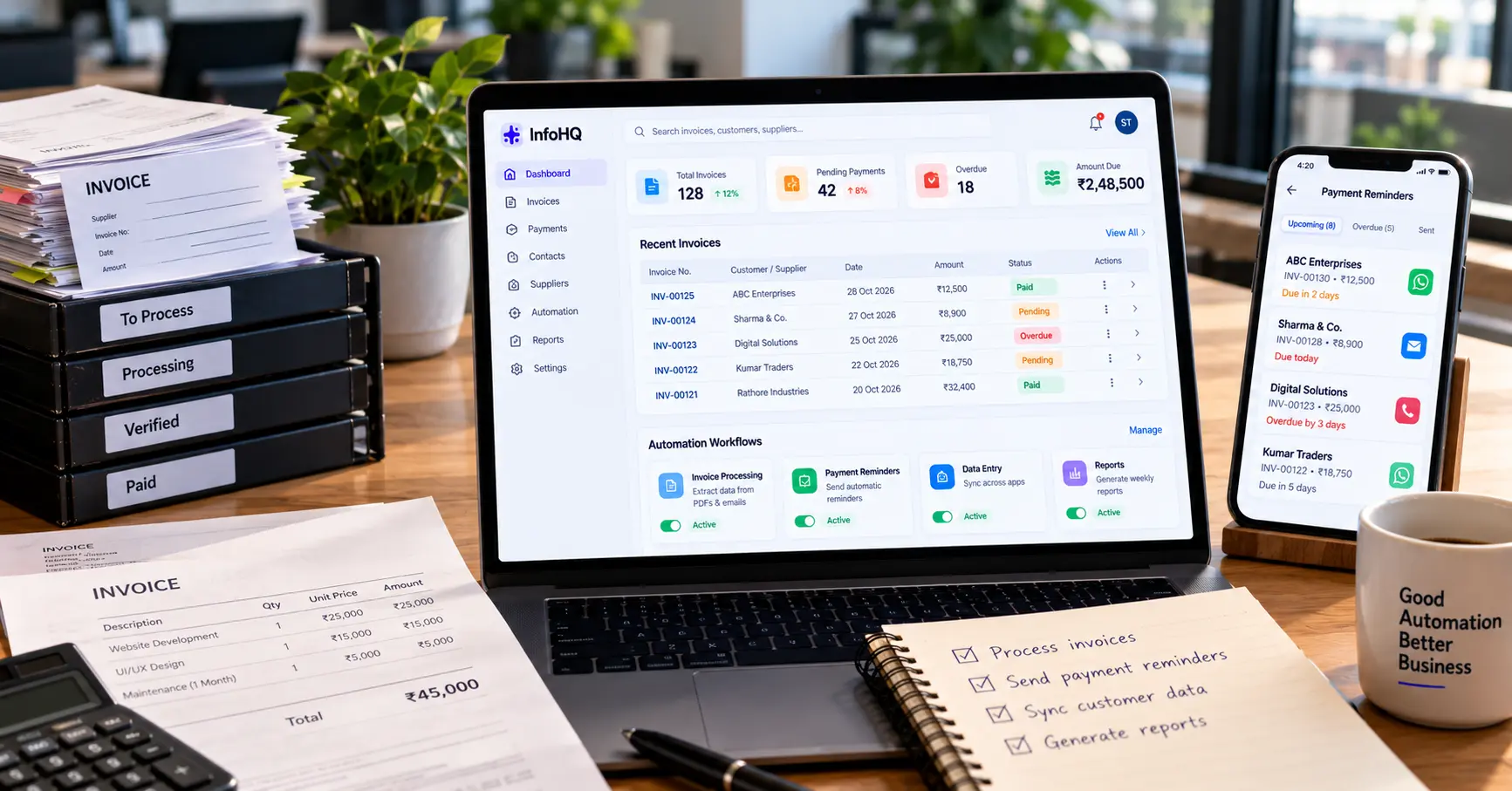
3. Invoice and Payment Reminders
Use invoice dates and payment records to identify upcoming or overdue payments and prepare reminders.
Benefit: Less time spent checking spreadsheets and tracking due dates. Verify payment status before sending reminders.
4. Data Entry Between Applications
Transfer approved information between forms, spreadsheets, CRMs and other connected tools.
Benefit: Less duplicate entry and fewer transcription mistakes.
5. Appointment Scheduling
Collect booking requests, check available time slots, create calendar events and send confirmations.
Benefit: Less back-and-forth. The workflow must handle time zones, cancellations and double-booking risks properly.
6. Customer Support Routing
Categorise incoming support requests and route them to the right team based on topic, priority or customer type.
Benefit: Faster handling of routine requests. AI can help with classification, while clear rules decide routing and escalation.
7. Report Generation
Schedule the collection of data from approved sources and produce recurring summaries or dashboards.
Benefit: Less time spent preparing routine reports. Check data completeness and calculations before using a report for important decisions.
8. Document Processing
Extract fields from invoices, application forms or other structured documents and send them for validation.
Benefit: Less manual copying. Use human review when extraction errors could affect financial or legal records.
9. Inventory Notifications
Trigger alerts when stock falls below a defined threshold or a product needs replenishment.
Benefit: Better visibility into stock levels. Make sure the workflow uses accurate inventory data and avoids duplicate alerts.
10. Employee Onboarding Tasks
When a new employee joins, create approved onboarding tasks, notify the relevant departments and schedule orientation sessions.
Benefit: More consistent onboarding and fewer missed steps. Restrict access to employee records by role and business need.
Which Tasks Should You Automate First?
Use these four criteria to choose your first workflow:
- Frequency: Does the task happen every day or week?
- Repetition: Does it follow predictable steps?
- Time cost: How much staff time does it use?
- Error impact: Does manual handling cause avoidable mistakes or delays?
A task that happens hundreds of times a month is usually a better starting point than a rare, complicated process.
Example: Website Lead Automation
A service company receives enquiries through its website. Without automation, an employee may need to open each form submission, copy the details into a spreadsheet, notify sales and create a follow-up reminder.
An automated workflow could:
- Receive the form submission.
- Validate the required fields.
- Save the lead to the CRM.
- Assign the relevant service category.
- Notify the sales team.
- Create a follow-up task.
This workflow can run on standard automation rules, with AI added only where interpretation is needed. Industry-specific versions exist too, such as real estate lead automation.
Common Automation Mistakes
- Automating a process before fixing its underlying problems.
- Connecting apps without validating data.
- Giving workflows unnecessary permissions.
- Ignoring failed runs and duplicate events.
- Sending customer messages without appropriate review.
- Measuring task volume instead of actual time or cost saved.
Start small, test failures as well as successful runs, and monitor the results after launch. If you are choosing a tool, our comparison of n8n, Make and Zapier may help.
Frequently Asked Questions
What is business process automation?
It is the use of software to perform repetitive business steps automatically, such as data transfer, reminders, task creation and reporting.
Does business automation always require AI?
No. Rule-based automation is often more predictable for structured tasks. AI is useful when the workflow needs language understanding, classification or other model-based capabilities.
Can small businesses automate their work?
Yes. Small businesses can start with simple workflows that connect their existing forms, spreadsheets, calendars and CRM systems.
How do I measure automation success?
Track time saved, error rates, completed tasks, failure rates, operating costs and the business outcome the workflow is meant to improve.
Does InfoHQ build automation for businesses in Pune and Prayagraj?
InfoHQ is headquartered in Prayagraj, with operations also in Pune, and builds automation for businesses across India. We deliver remotely to clients anywhere in the country.
Final Thoughts
Automation is most valuable when it removes repetitive work without adding unnecessary complexity. Pick one process, document its steps, choose suitable tools and measure the results before expanding.
Want to automate repetitive business tasks? InfoHQ is an AI and software engineering studio headquartered in Prayagraj, with operations also in Pune. We help businesses across India with workflow automation, AI integrations and custom software. See our business automation service or contact us.