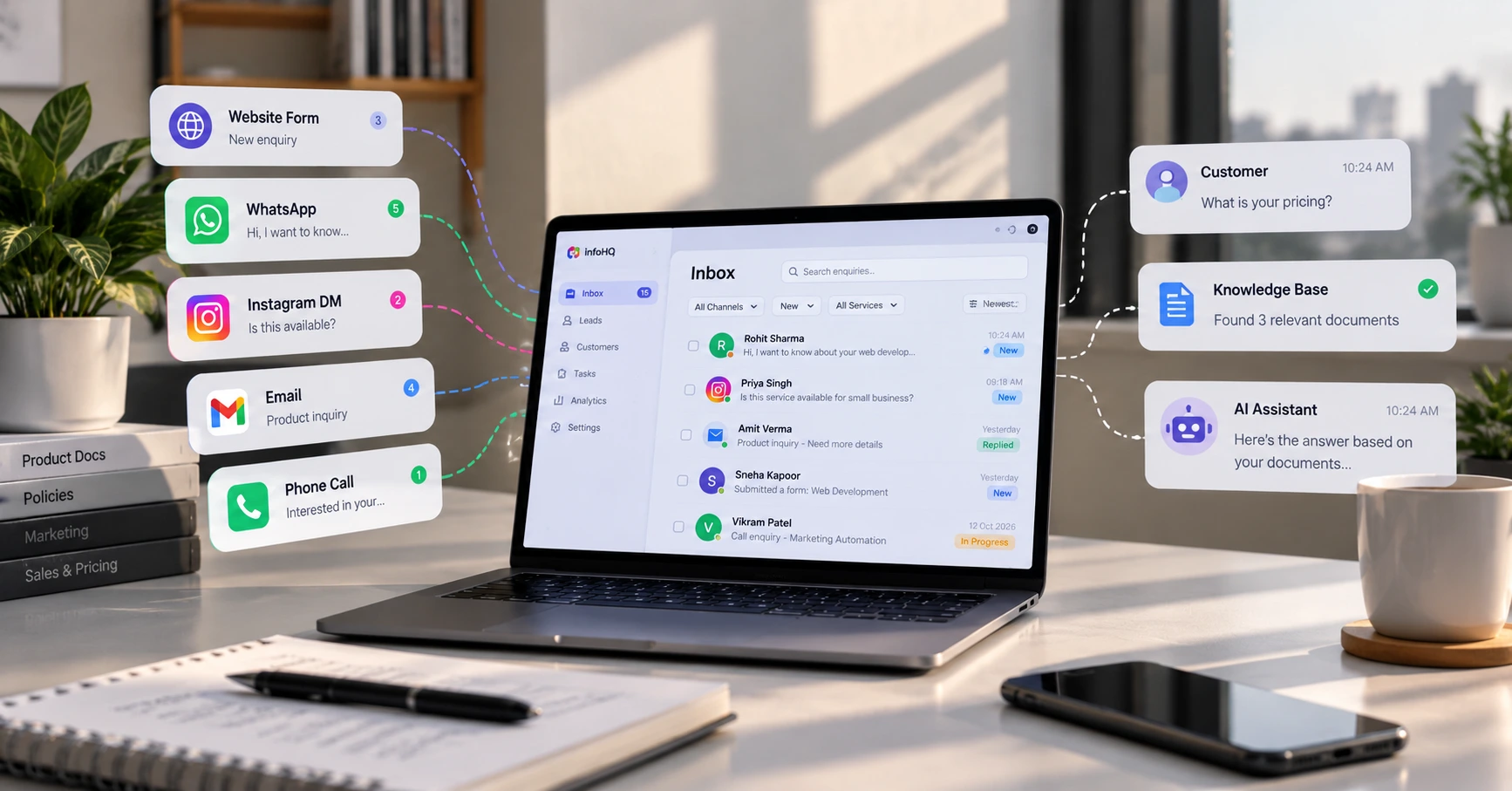
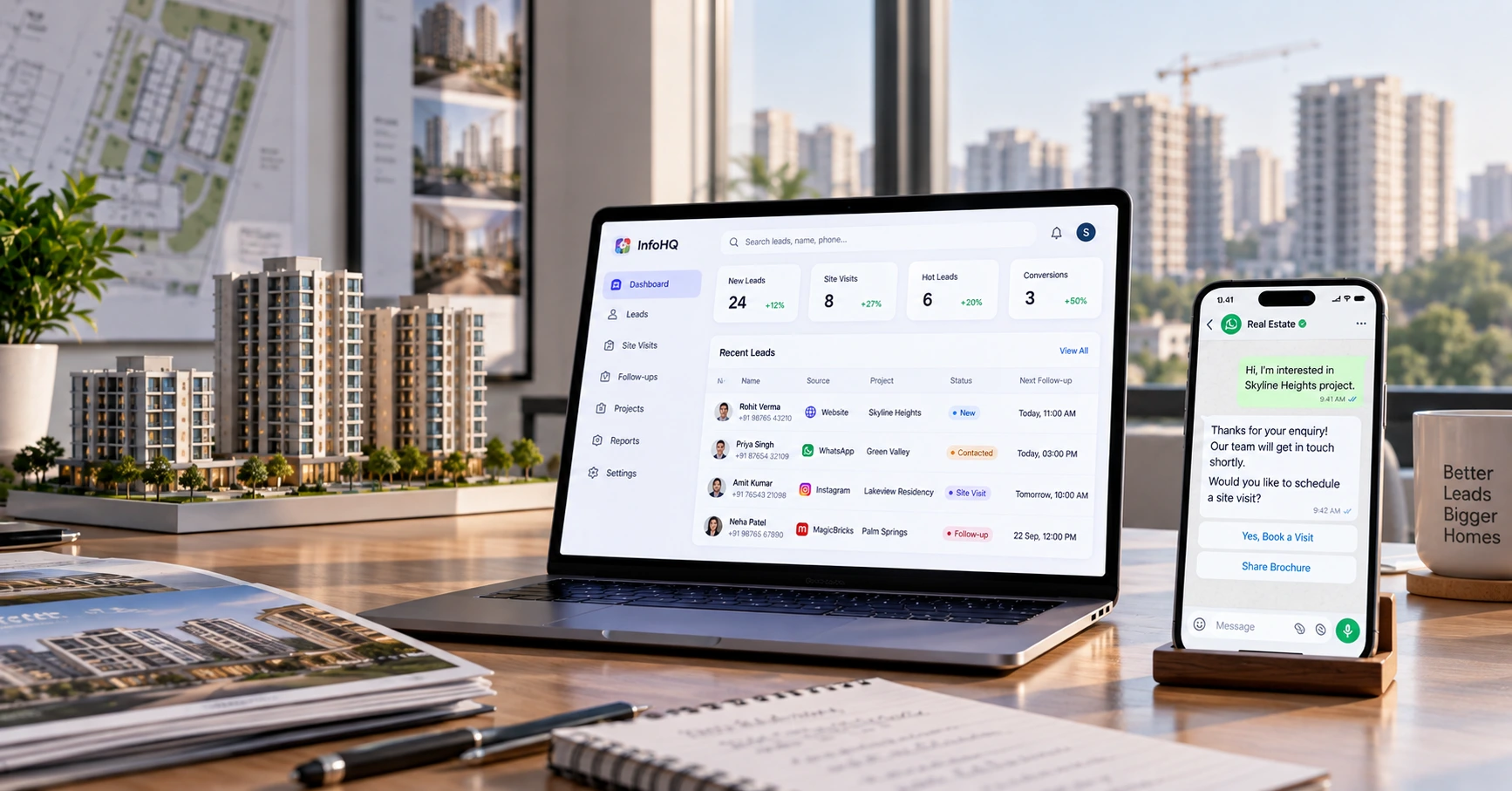
A buyer fills in a form on a property portal at 9 pm. Another one messages on WhatsApp after seeing an Instagram ad. A third walks into the site office and gives a number to whoever is at the desk. By next morning, three salespeople have the same lead in different places, and nobody is sure who called whom.
That’s the everyday problem in real estate, and it’s mostly a process problem rather than a software one.
The short answer
Real estate automation means letting software handle the repeating steps between an enquiry and a site visit: collecting every lead in one place, sending a first reply, passing the lead to the right salesperson, booking the visit and reminding people to follow up. It doesn’t replace your sales team. It takes over the chasing and the remembering, so people can spend their time on actual conversations.
If you’re starting from nothing, set up lead capture and the first reply first. Everything else depends on those two.
Why property leads slip more easily than most
Some of this is specific to the trade:
- Enquiries come from many places at once: property portals, Meta and Google ads, your own website, WhatsApp, walk-ins and referrals.
- One buyer often enquires on two or three portals, so the same person shows up as several leads.
- The buying cycle is long. Someone who enquires today may visit in three weeks, and the follow-up in between depends on someone remembering.
- Site visits get missed or rescheduled, and a missed visit often ends the conversation.
None of these needs anything exotic. They need an order of operations.
What to automate, in this order
1. Put every lead in one place. A shared sheet or a CRM, it doesn’t matter yet. Portals and ad platforms usually send enquiries by email or through an integration, and your website form and WhatsApp click-to-chat can feed the same list. Tools like n8n, Make and Zapier can do this without much code.
2. Remove duplicates by phone number. Phone number is the most reliable key in India. If the same number arrives twice, merge the two and keep a note of both sources.
3. Send a quick acknowledgement. Something short that names the project they asked about and says when someone will be in touch. Don’t quote prices or availability in this message unless it’s pulled from a list you keep up to date.
4. Assign an owner by a simple rule. By project, by location, by budget range, or round-robin. Whoever gets the lead should be notified immediately, on WhatsApp or wherever they actually look.
5. Make site visits easier to book. Ask for a preferred day and time, confirm it, then send a reminder the day before and another on the morning of the visit. Reminders alone reduce a lot of avoidable no-shows.
6. Remind people to follow up. If a lead has been marked “new” for longer than you’re comfortable with, the owner gets a nudge, and their manager gets one after that.
7. Handle the period after the visit. A thank-you message, the brochure or price sheet they asked for, and a date for the next follow-up.
8. Look at one report a week. How many leads came in, from which source, how fast they were answered, how many turned into visits. Source against site visits is the number most teams find useful, because it shows which channel is actually working.
Things that matter in India
WhatsApp. The regular WhatsApp Business app is fine for a small team replying by hand, but it doesn’t connect well to other tools. To send automated messages or log chats, you generally need the WhatsApp Business API through an approved provider, with message templates and per-message charges. These terms change, so check the current ones before planning around them. A click-to-chat link with the project name already filled in is a good middle step.
Calls. Many buyers still prefer a phone call. Whatever you build should let a salesperson log the outcome of a call in a few taps, or it won’t get used.
Language. Buyers write in English, Hindi and a mix of both. Keep automated messages short, and reply in the language the person used where you can.
Consent and privacy. You’re storing phone numbers and sometimes income or loan details. Make sure people have agreed to be contacted, and check with a qualified advisor on what India’s data protection rules require for your setup.
RERA. Rules differ by state and by who you are, whether a developer or an agent. If your marketing messages need a registration number or specific wording, make sure your automated messages carry it. Confirm the details with your compliance person.
What not to automate
Price negotiation, objections and anything sensitive should stay with a person. The same goes for quoting availability or pricing in an automatic reply, unless it comes from a source someone keeps current. A wrong price sent confidently by a bot is worse than a slow reply.
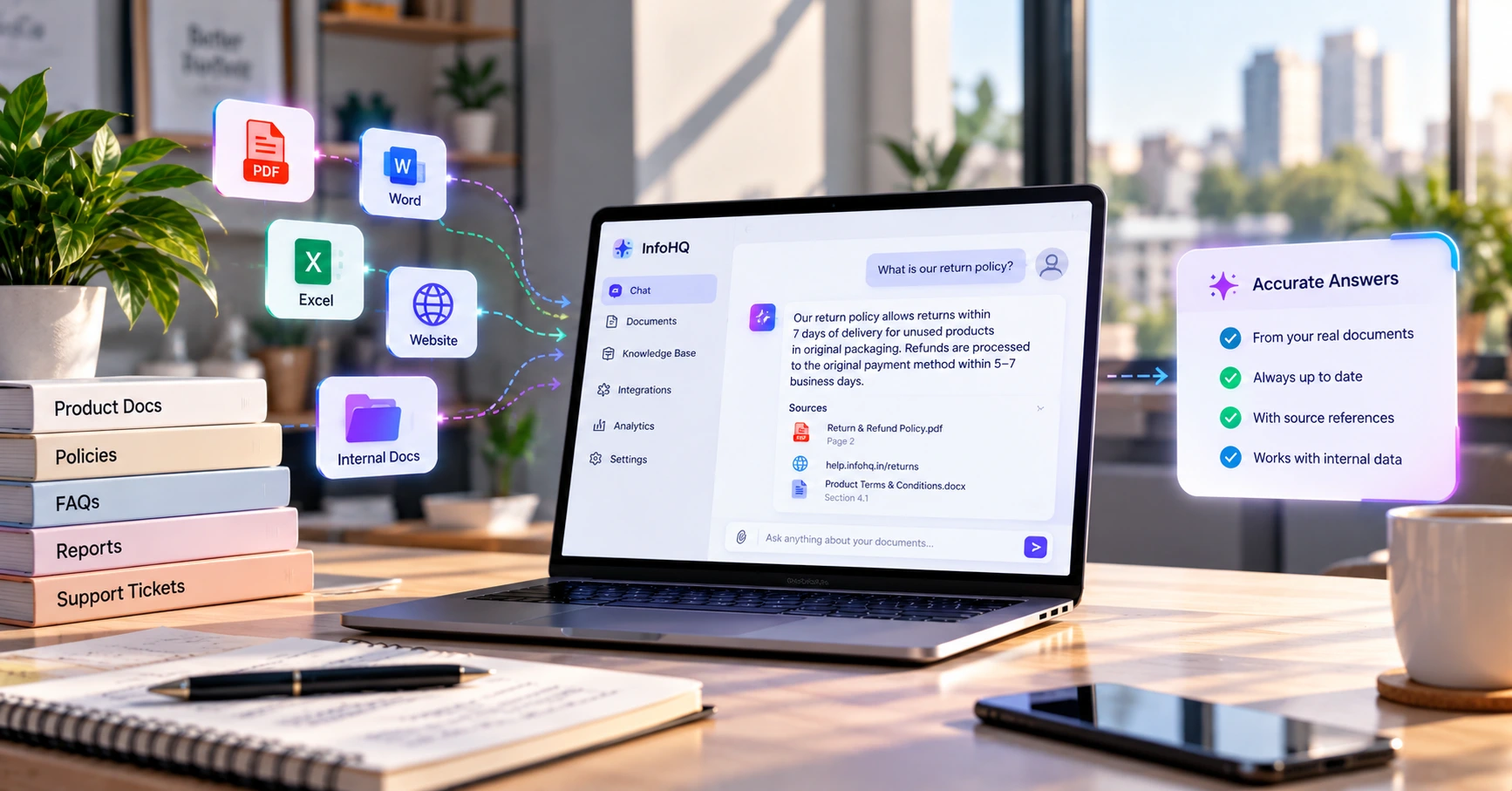
An AI assistant that answers brochure and project questions can be useful, but only if it’s restricted to your approved documents. We’ve written about how that works in what RAG is and why it matters.
Spreadsheet, CRM or custom software
For a modest number of enquiries, a spreadsheet plus a no-code workflow tool is enough, and it’s much cheaper to change as you learn. A ready-made real estate CRM makes sense when several salespeople work the same pipeline and you need proper stages, call logging and reporting.
Custom software starts to make sense when:
- you manage many projects with inventory that changes often,
- channel partners and commissions need tracking,
- leads must connect to your accounting or booking system,
- or the data is sensitive enough that you don’t want it passing through third-party tools.
If none of that applies yet, don’t build it. Our lead handling guide covers the same logic for businesses outside real estate.
A first-week checklist
- List every place an enquiry can arrive.
- Pick the single sheet or CRM where all of them will be logged.
- Decide one owner per lead. A person, not a team.
- Write the first reply message and get it approved.
- Choose how fast “answered in time” has to be, in hours.
- Set a day and time to review the numbers each week.
If you’d like help setting this up, take a look at our services or get in touch.
Frequently Asked Questions
What is real estate automation? It’s using software to handle repeating steps in the sales process, such as capturing leads, sending first replies, assigning salespeople, scheduling site visits and sending follow-up reminders. People still handle the conversations.
Is it only for large developers, or can a small agent use it? Small agents can use it too. A shared sheet and a no-code tool such as n8n, Make or Zapier can cover lead capture, replies and reminders without a big budget.
Will automation replace my sales team? No. It handles the admin around the lead. Negotiation, trust-building and closing still need a person.
Can I send WhatsApp messages to property leads automatically? Automated messages generally need the WhatsApp Business API through an approved provider, with approved templates and per-message charges. Contact people only with their consent, and check WhatsApp’s current terms before you set it up.
Do I need a CRM before I automate anything? No. Start with one shared list and a simple workflow. Move to a CRM when several people work the same pipeline and you need stages and reporting.