WhatsApp has become one of the main ways customers reach businesses in India. People use it to ask about prices, book appointments, check on an order or follow up on a service. That works well until the volume grows, and then somebody has to keep track of every conversation by hand.
WhatsApp Business automation helps a business respond to enquiries, organise leads, send relevant updates and handle repetitive messages with less manual effort. When it’s connected to a CRM or other business tools, it also helps teams follow up more consistently.
This guide explains how WhatsApp Business automation works in India, which tasks you can automate, what it may cost and how to get started.
What Is WhatsApp Business Automation?
WhatsApp Business automation means using software, predefined rules, chatbots or AI-powered workflows to handle routine business conversations and tasks on WhatsApp.
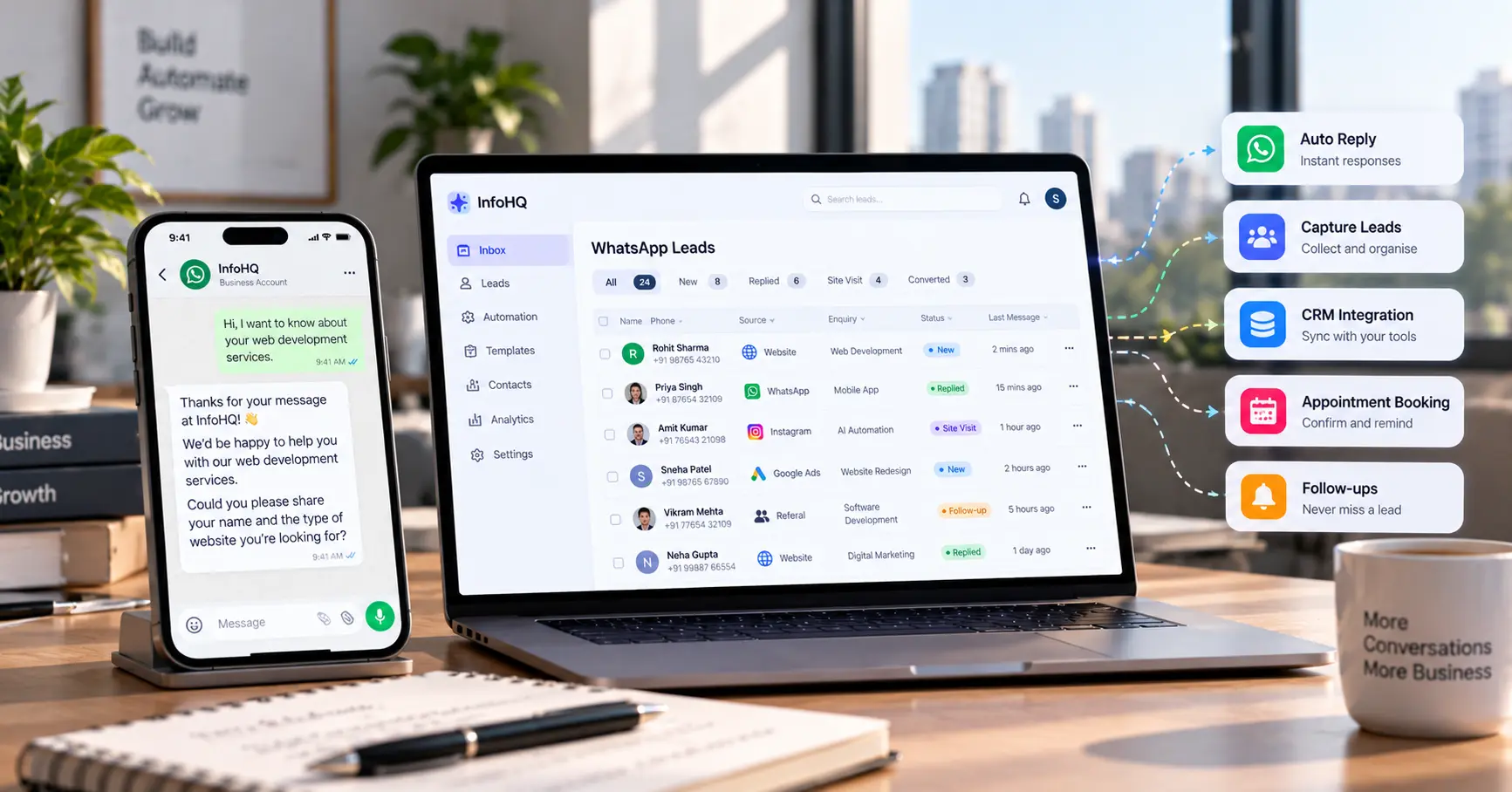
For example, when someone enquires about a service through your website, an automated workflow can acknowledge the enquiry, collect a few details, notify the sales team and create a lead record in a CRM.
Common examples include:
- Greeting customers who contact your business.
- Answering frequently asked questions.
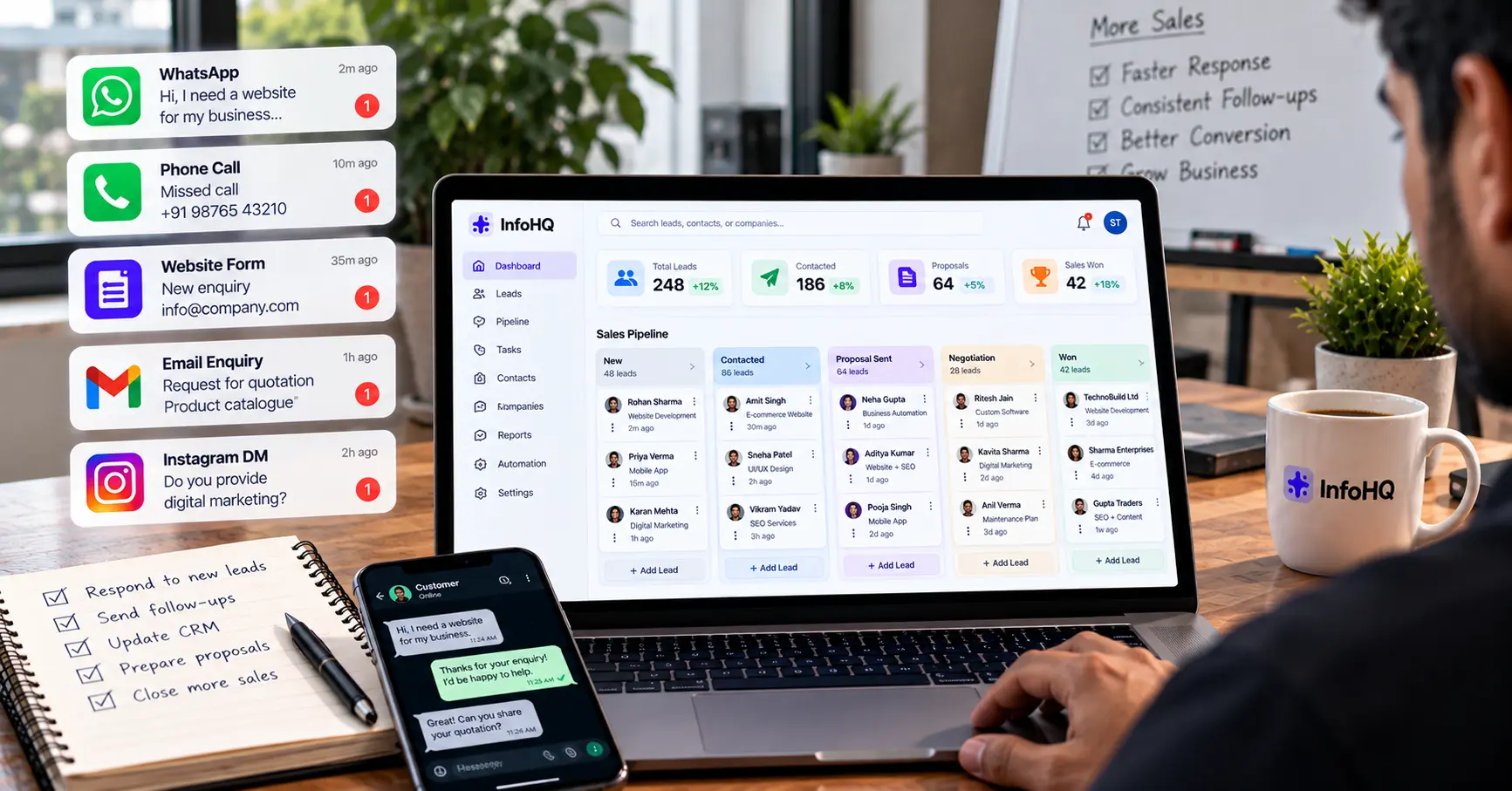
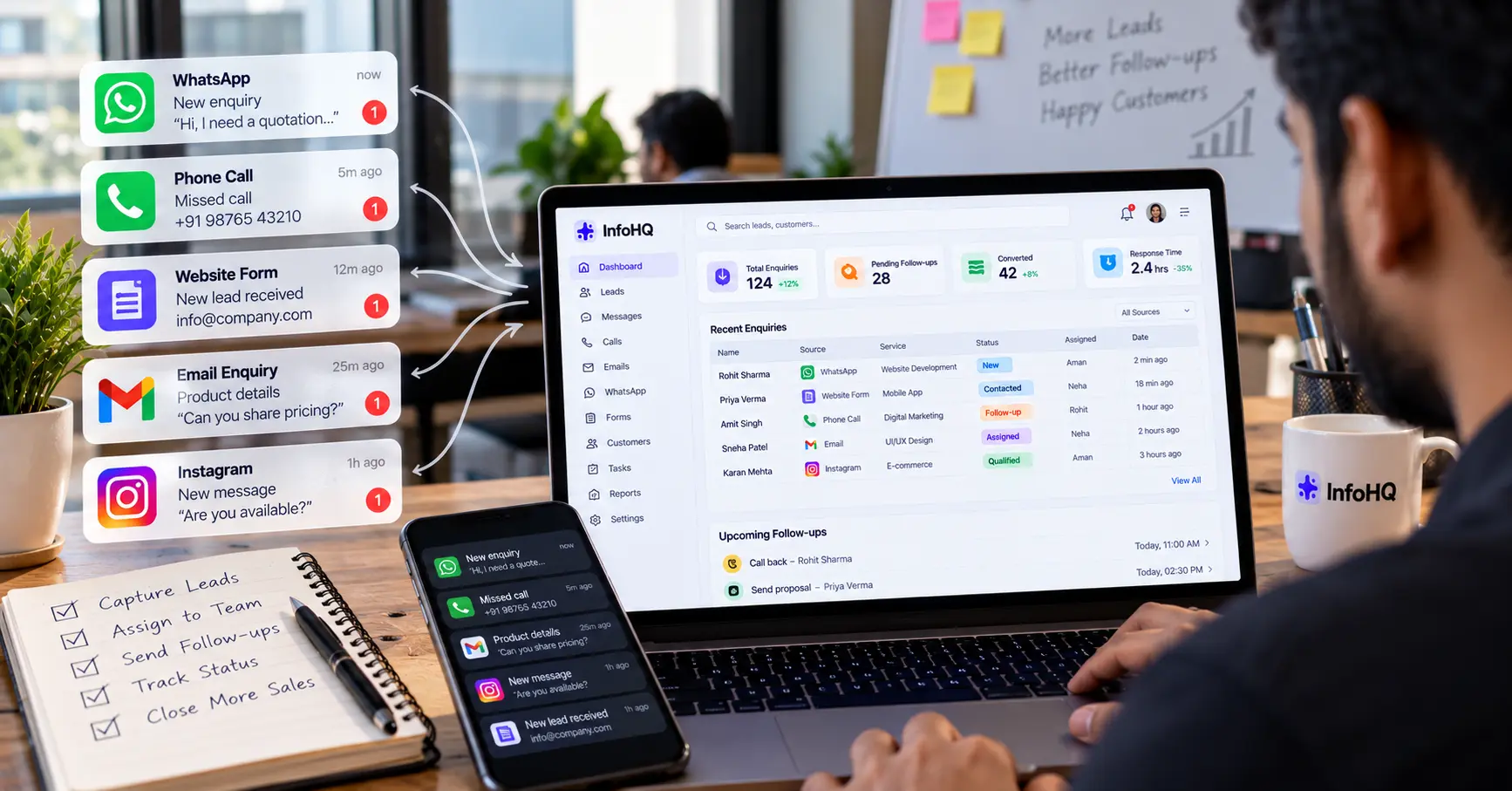
- Capturing and organising sales enquiries.
- Sending appointment confirmations and reminders.
- Sharing order or service updates.
- Assigning conversations to the right team.
- Following up with customers who asked for more information.
The aim isn’t to automate every conversation. It’s to remove the repetitive work and keep the rest of the communication useful and personal.
How Does WhatsApp Business Automation Work?
A typical workflow has five parts:
- Trigger: A customer sends a message, submits a website form or completes another defined action.
- Data collection: The workflow collects what it needs, such as the customer’s name, the type of enquiry or a preferred appointment time.
- Logic: Rules decide the next step based on the customer’s answer or the type of enquiry.
- Action: The system sends a suitable reply, updates a CRM, notifies a team member or schedules an approved follow-up.
- Human handoff: A team member takes over when the enquiry needs personal attention.
A real estate business, for example, might receive a property enquiry through its website. The system acknowledges it, asks which location the customer prefers, records the details in the CRM and alerts the sales representative. Nobody has to do those admin steps by hand.
WhatsApp Business App vs WhatsApp Business Platform
The right setup depends on your business size, how many conversations you handle and what you need to connect.
| Feature | WhatsApp Business App | WhatsApp Business Platform |
|---|---|---|
| Best suited for | Small businesses starting out | Businesses needing advanced workflows |
| Basic greetings and away messages | Available | Can be implemented through supported integrations |
| Advanced chatbot workflows | Limited | Supported through compatible software and APIs |
| CRM integration | Depends on available tools | Can be built through APIs or integrations |
| Multi-agent workflows | Limited or tool-dependent | Can be supported through a suitable team inbox solution |
| Custom business workflows | Limited | More flexible |
| Setup complexity | Generally simpler | Requires more planning and configuration |
The WhatsApp Business Platform includes API-based options that developers and approved solution providers use to connect WhatsApp with business applications. You’ll often see it called the WhatsApp Business API. Meta’s official WhatsApp documentation describes the current options.
Which one should you choose?
If you mainly need a business profile, product information and basic automated messages, the WhatsApp Business App may be enough.
If you need website lead capture, CRM synchronisation, advanced routing, custom chatbots or links with several business systems, look at the WhatsApp Business Platform and a suitable integration solution.
Availability and features depend on the setup and provider you choose.
7 WhatsApp Business Automation Use Cases
1. Automated Replies to Customer Enquiries
Customers often ask the same things: pricing, business hours, which services you offer and how booking works.
A chatbot or predefined workflow can answer common questions straight away and share links to the relevant page, brochure or booking form. A simple greeting could look like this:
Thank you for contacting us. What would you like help with today?
- Pricing
- Book an appointment
- Talk to our team
The customer picks an option and gets a relevant reply. Anything more complicated goes to a person.
2. Website Lead Capture and Follow-Ups
A website form is useful, but a submitted form is only the start of the sales process.
A connected workflow can:
- Capture the enquiry and its source.
- Store the customer’s details in a CRM.
- Notify the responsible salesperson.
- Send an acknowledgement.
- Create a follow-up task.
- Update the lead status when the team acts on it.
This makes automated lead follow-up easier to track, and it helps cut down on missed enquiries. If you haven’t set up a basic process yet, start with our guide to handling leads before you automate anything.
3. Real Estate Lead Automation
Real estate companies get enquiries from property portals, landing pages, advertisements and direct WhatsApp messages.
A workflow can sort these by property type, location, budget and preferred visit date. A practical flow might be:
Website enquiry → WhatsApp acknowledgement → Property preferences → CRM record → Sales assignment → Site-visit coordination.
Automation can help the sales team respond more consistently, but it shouldn’t replace the personal conversation needed to understand what a buyer wants. We cover this in more detail in our post on real estate lead automation.
4. Appointment Booking and Reminders
Businesses that run on appointments can automate the routine scheduling messages:
- Consultation requests.
- Service appointments.
- Product demonstrations.
- Property site visits.
- Meeting confirmations and reminders.
A workflow can check availability in your scheduling system, confirm the booking and send a reminder at the time you set. It shouldn’t confirm a slot until the booking system has checked that it’s free.
5. Order and Service Updates
E-commerce stores and service businesses can connect their order or service systems to WhatsApp, so customers get updates such as order confirmation, dispatch status, appointment changes or service completion.
These messages must match the real status in the connected system. A wrong automated update confuses people and costs you their trust.
6. Customer Support and FAQ Chatbots
A WhatsApp chatbot for business can answer common questions from approved information, such as service descriptions, policies, product details and support instructions.
An AI-powered assistant can handle questions that are phrased in many different ways. It should still rely on reliable business information, avoid inventing answers and pass uncertain or sensitive cases to a human agent. If you’re curious about how an assistant stays tied to your own documents, read what RAG is and why it matters.
7. WhatsApp CRM Integration and Sales Reporting
When WhatsApp is connected to a CRM, teams keep a more organised record of enquiries and conversations. Depending on the integration, you may be able to:
- Create or update lead records.
- Assign conversations to sales representatives.
- Record enquiry sources and statuses.
- Schedule follow-up tasks.
- Track response and conversion metrics.
- Review which workflows need improvement.
The exact features depend on your CRM, the WhatsApp integration and the permissions available.
How to Set Up WhatsApp Business Automation
You don’t have to automate everything at once. Start with one repetitive task and expand after you’ve tested it.
Step 1: Identify the main business problem
Decide what you want to fix first. Is your team missing enquiries? Are customers asking the same questions again and again? Are appointment reminders getting forgotten? Are salespeople struggling to keep CRM records up to date?
Define the problem before you choose any software.
Step 2: Choose the right WhatsApp setup
Check whether the WhatsApp Business App meets your needs or whether you need the WhatsApp Business Platform. Think about the number of users, the integrations you need, expected message volume, reporting and technical support.
Step 3: Map the workflow
Write down the whole process before you build it. For a website enquiry it could be:
Website form submitted → Validate details → Save lead → Send acknowledgement → Notify sales team → Create follow-up task.
Also decide what should happen if information is missing, an integration fails or a customer asks for a human.
Step 4: Connect your business tools
Depending on the workflow, you may need:
- WhatsApp Business Platform access.
- A CRM or lead management system.
- A workflow automation tool.
- A website form or backend API.
- A scheduling or order management system.
- A database and some monitoring.
Tools such as n8n, Make and Zapier can cover parts of the workflow, depending on the integrations available and how you configure them.
Step 5: Configure messages and permissions
Write clear, helpful messages and collect the permissions you need for the communication you plan to send.
On the WhatsApp Business Platform, follow the current messaging policies, template requirements and applicable consent rules. Messages that your business starts may need approved templates, depending on the message and the situation.
Don’t send unsolicited bulk messages. Give people a simple way to stop receiving messages, and respect it.
Step 6: Test before launching
Try the workflow with realistic scenarios. Check whether:
- Enquiries are saved correctly.
- Messages contain accurate information.
- Duplicate leads are handled properly.
- Failed integrations raise an alert.
- Customers can reach a human.
- Unwanted follow-ups are prevented.
- Access to customer information is controlled.
After launch, keep watching the workflow and improve it from real results.
How Much Does WhatsApp Business Automation Cost in India?
There’s no single price. The total depends on the features you need, your provider, how complex the integrations are and how much you use it.
| Cost component | What affects the cost? |
|---|---|
| Initial setup | Workflow complexity and configuration |
| WhatsApp messaging | Applicable Meta charges and message categories |
| Software subscription | Chosen platform, provider and plan |
| CRM integration | CRM features and integration requirements |
| Custom chatbot | Conversation logic, knowledge sources and testing |
| Ongoing maintenance | Monitoring, updates and technical support |
A basic workflow that sends an acknowledgement and records a lead is usually simpler than a custom AI assistant tied to a CRM, a scheduling system and several databases.
Before you pick a provider, ask for a breakdown of setup fees, recurring software costs, messaging charges, integration fees and support terms.
Check the current official pricing and policies before you estimate a budget, because rates and product terms change.
Best Practices for Safe and Effective Automation
Good automation improves the customer experience. It shouldn’t just increase the number of messages you send.
Get appropriate consent. Make it clear that customers are opting in to WhatsApp messages from your business. Keep records of consent where appropriate and follow applicable laws and platform policies.
Respect the messaging rules. Use approved templates when they’re required, follow the messaging windows that apply and honour opt-out requests.
Keep customer data secure. Limit who can see personal information, use suitable security controls and avoid collecting details you don’t need.
Offer a human handoff. Customers should have a clear way to reach a person when automated replies aren’t enough.
Keep messages relevant. Send information related to the customer’s enquiry or chosen preferences, not unnecessary promotions.
Measure business outcomes. Track response time, qualified leads, appointments booked, missed enquiries and conversions. Sending more messages doesn’t automatically mean more sales.
Frequently Asked Questions
What is the best WhatsApp automation tool for Indian businesses? It depends on what you need. A small business may only need basic automated replies, while a growing company may need CRM integration, multiple agents, workflow controls and reporting. Compare features, support, compliance and total cost before choosing.
Can I automate WhatsApp messages from my website? Yes. With a suitable integration, a website form can trigger a workflow that records an enquiry, notifies your team and sends a WhatsApp message. The setup must follow the applicable WhatsApp messaging rules and consent requirements.
Can WhatsApp Business automation work with a CRM? Yes. Depending on the CRM and the integration, you can sync lead details, assign conversations, update statuses and create follow-up tasks. Test how the integration handles duplicate records, failed requests and changes to customer details.
Is WhatsApp Business automation free? Not necessarily. Basic features in the WhatsApp Business App may be available without a separate automation subscription. API-based solutions can involve software, provider, development and messaging charges. Confirm current pricing before you start.
Can AI chatbots handle every customer conversation? No. AI chatbots can handle routine questions and support structured workflows, but they can misunderstand a request or lack the information they need. Important, complex or sensitive cases should have a dependable route to a human.
Is WhatsApp Business automation safe? It can be done responsibly if the business follows platform policies, gets appropriate consent, limits data collection, protects customer information and monitors its integrations. Using an official platform doesn’t make a setup safe by itself.
How long does it take to set up WhatsApp automation? It depends on the scope. A simple workflow is quicker than a custom solution with CRM sync, AI replies, several integrations and thorough testing. Define your requirements before you estimate a delivery time.
Where to start
WhatsApp Business automation can help Indian businesses manage enquiries, follow up more consistently and cut repetitive admin work. Its value comes from connecting customer conversations to a clear business process, not from sending automated messages alone.
Start with one measurable problem, choose the right WhatsApp setup, test the workflow carefully and expand only once the first version works reliably.
If you need a custom workflow that connects WhatsApp with your website, CRM or other systems, you can look at our services or get in touch and we’ll talk through what you need.