A website can look impressive and still feel slow. Visitors may wait for the main content to appear, notice a delay after clicking a button, or see page elements jump while the page loads.
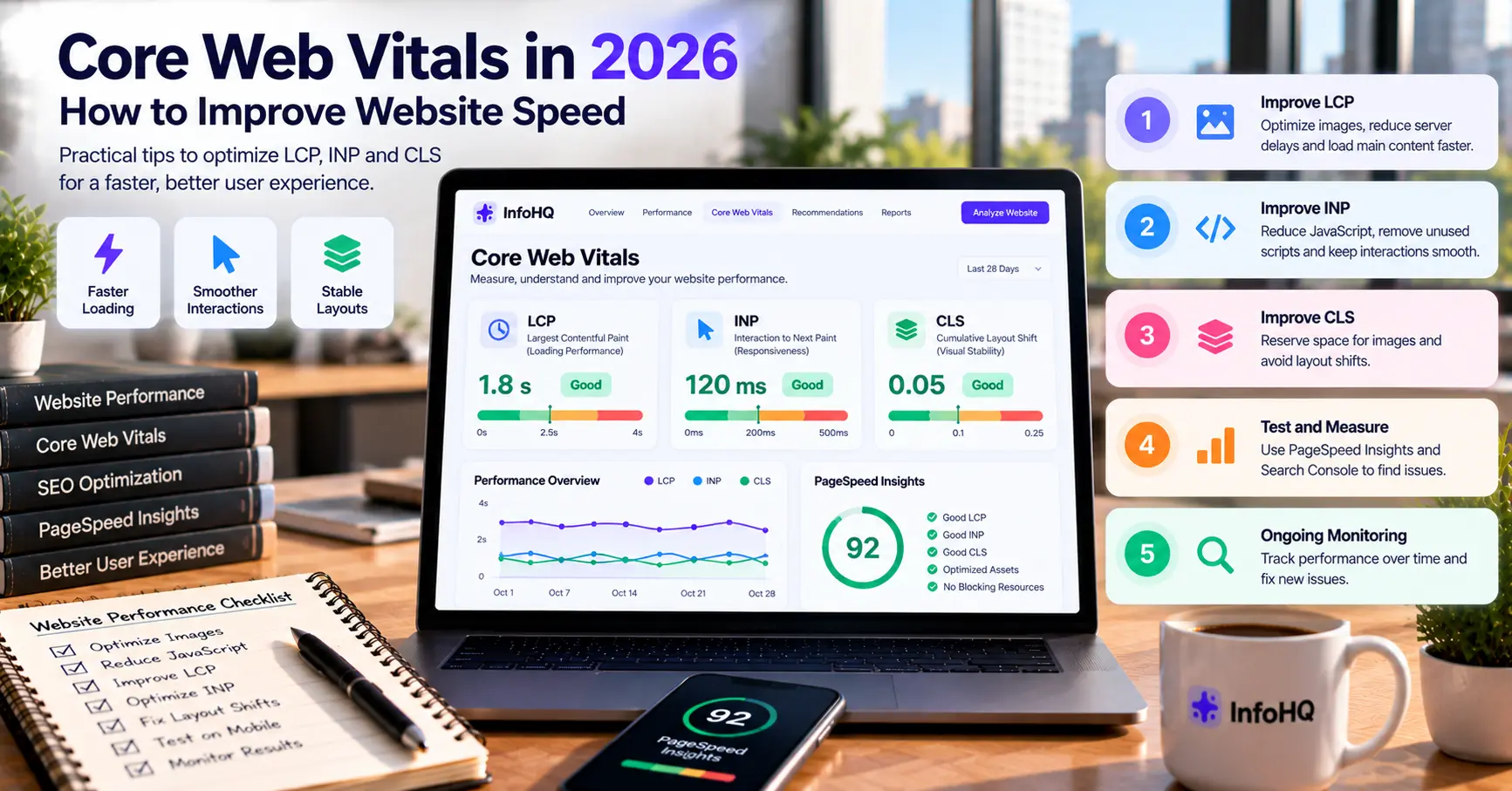
Google’s Core Web Vitals measure three parts of user experience: loading performance, responsiveness and visual stability. The current metrics are Largest Contentful Paint (LCP), Interaction to Next Paint (INP) and Cumulative Layout Shift (CLS). Google’s official guide explains the metrics and their recommended thresholds.
Improving Core Web Vitals can make a site better to use, although good scores alone do not guarantee higher search rankings.
What Are the Core Web Vitals Targets in 2026?
| Metric | What it measures | Good target |
|---|---|---|
| LCP | How quickly the main visible content loads | 2.5 seconds or less |
| INP | How responsive the page is to user interactions | 200 milliseconds or less |
| CLS | How much unexpected layout movement occurs | 0.1 or less |
Google evaluates these metrics using real-user data, commonly at the 75th percentile. A laboratory test is useful for debugging, but field data shows what visitors actually experience. The Core Web Vitals report in Google Search Console can help you find URL groups that need attention.
1. Improve LCP: Load the Main Content Faster
LCP is often a large hero image, banner, video poster or text block near the top of the page.
Practical improvements:
- Resize images to the dimensions actually needed.
- Use modern image formats where suitable.
- Compress images without visibly damaging quality.
- Avoid lazy-loading the main above-the-fold image.
- Make sure the browser can discover the main image early.
- Reduce slow server responses.
- Avoid unnecessary redirects and blocking resources.
For example, a hero image uploaded straight from a camera can be several megabytes. Resizing and compressing it reduces how much data a visitor has to download.
See Google’s LCP optimisation guide.
2. Improve INP: Make Interactions More Responsive
INP can suffer when JavaScript blocks the browser while it handles user interactions.
Practical improvements:
- Reduce unnecessary JavaScript.
- Remove unused scripts and heavy dependencies.
- Break up long-running main-thread tasks.
- Delay non-essential third-party scripts.
- Keep event handlers efficient.
- Test menus, forms, search and other interactive components on mobile.
A page can load quickly and still feel slow if tapping a menu button causes a noticeable delay. Test interactions, not just the initial load.
3. Improve CLS: Prevent Layout Shifts
CLS measures unexpected movement of page elements.
Common causes include images without reserved dimensions, late-loading advertisements, dynamically inserted banners and fonts that change the text layout.
Practical improvements:
- Specify image width and height, or reserve the correct aspect ratio.
- Reserve space for embeds and other dynamic content.
- Avoid inserting content above existing content unexpectedly.
- Use suitable font-loading strategies.
- Keep buttons and important links from moving while users interact.
A stable layout stops visitors from accidentally tapping the wrong element.
4. Use a Simple Performance Testing Workflow
Follow this process when improving website performance:
- Run a test with PageSpeed Insights.
- Review the LCP, INP and CLS diagnostics.
- Check real-user data in Google Search Console when enough data is available.
- Identify the biggest bottleneck instead of making random changes.
- Fix one issue at a time and test again.
- Monitor the website after deployment.
Laboratory and real-user measurements serve different purposes. Use both when you can.
5. Does Core Web Vitals Affect SEO?
Google recommends good Core Web Vitals as part of a positive page experience. Meeting the thresholds does not guarantee a top position in search results.
Useful content, relevance, crawlability, site quality and many other factors also matter.
The right goal is a website that is easier to load, navigate and use, not a perfect performance score for its own sake. Your choice of platform also matters; see Next.js vs WordPress.
Frequently Asked Questions
What is a good LCP score?
A good LCP is 2.5 seconds or less, measured at the 75th percentile of page visits.
What is a good INP score?
A good INP is 200 milliseconds or less. It measures responsiveness to interactions during a visit.
What is a good CLS score?
A good CLS is 0.1 or less. It measures unexpected visual movement.
Does a 100 PageSpeed Insights score guarantee SEO success?
No. Performance is one part of the wider website experience, and a perfect laboratory score does not guarantee rankings or conversions.
How often should I check Core Web Vitals?
Check after significant design, code, plugin or hosting changes, and review real-user reports periodically.
Final Thoughts
Improving Core Web Vitals starts with measurement. Find the biggest bottleneck, fix it, and verify the result with both testing tools and real-user data.
Image optimisation, efficient JavaScript, stable layouts and reliable hosting are practical places to start. If you are planning a new site, see website development cost in India.
Want to improve your website’s performance? InfoHQ is an AI and software engineering studio headquartered in Prayagraj, with operations also in Pune. We help businesses across India build and maintain fast websites. See our web development service, our website maintenance service, or contact us.