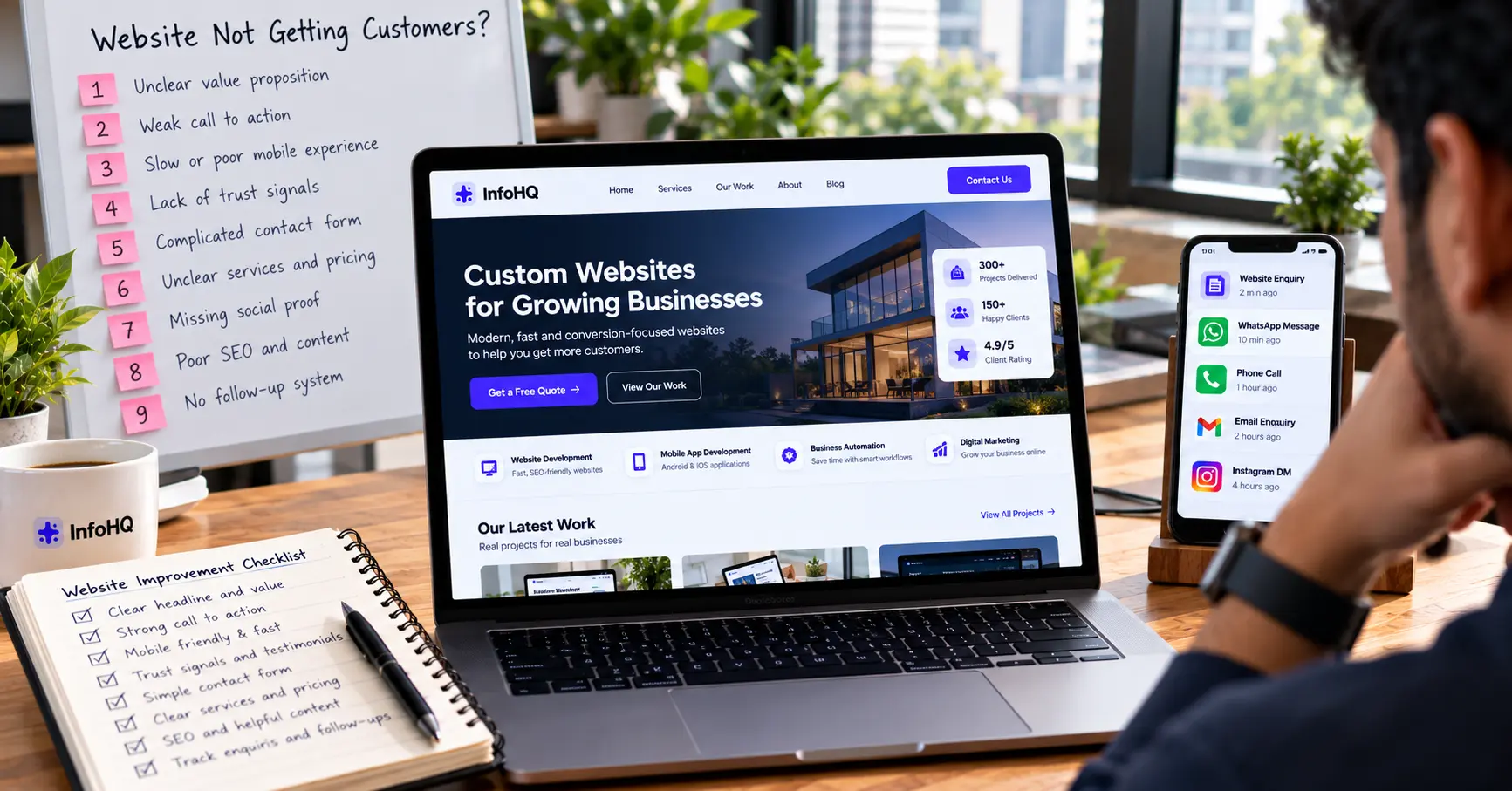
Your business website may look professional, but if visitors are not calling, submitting forms, or requesting quotes, something critical is missing.
A website should do more than just display your services like a static brochure. It must help potential customers quickly understand what you offer, build genuine trust in your business, and guide them smoothly toward taking the next step.
If your website is not generating enquiries, the immediate solution is rarely to spend more money on advertising or traffic. First, find out what is preventing your existing visitors from contacting you.
Here are nine common website conversion problems and practical ways to fix them.
1. Your Homepage Does Not Explain What You Do
When a potential customer lands on your homepage for the first time, you have less than five seconds to answer three subconscious questions: What do you do? Who is it for? And why should I care?
A vague headline such as “Welcome to Our Digital World” or “Innovative Solutions for Tomorrow” does not communicate a clear business benefit.
How to fix it
Write a headline that clearly describes your service and the concrete outcome a customer is looking for:
- Weak: “Welcome to Our Website.”
- Better: “Professional Websites for Growing Businesses.”
- High-Converting: “Build a Business Website That Makes It Easier for Customers to Contact and Hire You.”
Support the headline with a concise 2-sentence explanation and a prominent primary action button.
2. Your Call to Action (CTA) Is Difficult to Find
A visitor may be genuinely interested in your service, but they leave simply because the next step is ambiguous or hard to locate.
If your contact information is buried in the footer, or your buttons use passive, non-committal text like “Learn More” or “Click Here,” visitors won’t know how to proceed.
How to fix it
Use active, goal-oriented button labels that match what the visitor expects:
- Get a Free Quotation
- Book a Technical Consultation
- Discuss Your Project Scope
- Contact Our Team on WhatsApp
Place your primary call to action in three strategic positions: above the fold next to your main headline, immediately after explaining key service deliverables, and at the bottom of the page. Make sure all buttons are comfortably tap-friendly on mobile screens.
3. Your Website Is Slow or Difficult to Use on Mobile
Over 70% of business discovery in India now happens on mobile devices. A website that takes longer than 2.5 seconds to load or has shifting layout elements will frustrate visitors before they even finish reading your offer.
Uncompressed image files, bulky JavaScript libraries, render-blocking fonts, and poorly configured third-party chat widgets are the most frequent culprits.
How to fix it
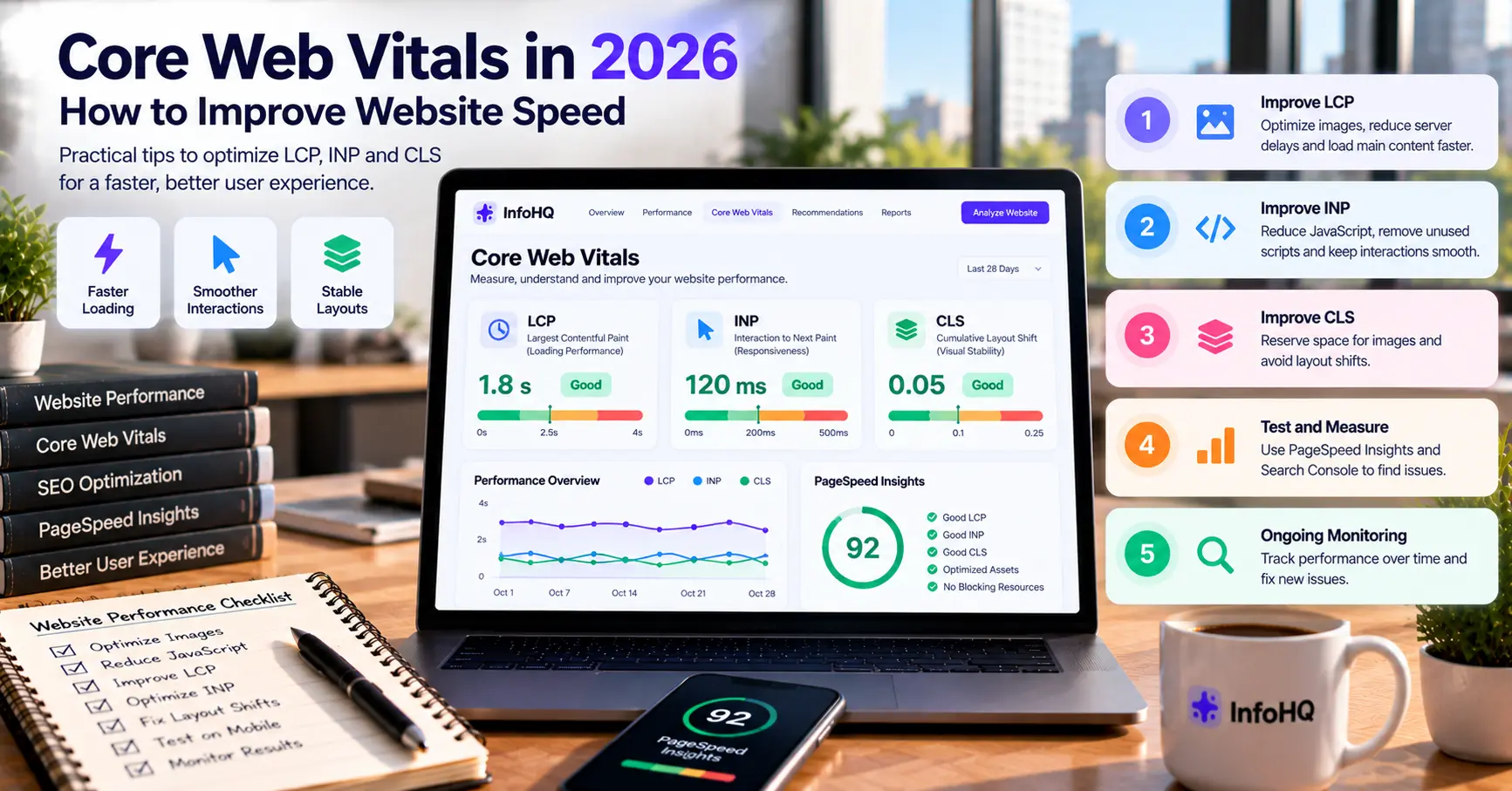
- Audit your site using Google PageSpeed Insights to measure real user metrics.
- Prioritize Google’s Core Web Vitals guidance, specifically Largest Contentful Paint (LCP under 2.5s) and Cumulative Layout Shift (CLS under 0.1).
- Convert all media to modern WebP formats and enable edge caching through CDNs like Cloudflare.
4. Your Website Does Not Build Genuine Trust
Potential clients take a real financial and operational risk when contacting an unfamiliar agency or vendor. They wonder whether you have actually shipped projects, whether your company is registered and legitimate, and whether you understand their industry.
How to fix it
Incorporate authentic, verifiable trust signals throughout your pages:
- Real Project Case Studies: Showcase actual screenshots, metrics, and problems solved (like our SeHAT Healthcare AI platform).
- Transparent Business Details: Display registered office locations (e.g., Pune & Prayagraj), official emails, and direct phone lines.
- Client Testimonials: Include real names, company roles, and specific project outcomes.
- Clear Scope & Deliverables: Outline exactly what is included in each package and how Intellectual Property (IP) ownership is handled.
5. Your Contact Form Is Too Complicated
A contact form should make reaching out effortless. When a form asks for 8 different input fields, requires mandatory phone numbers, or throws confusing validation errors without a clear success state, potential customers abandon the submission.
How to fix it
Keep initial contact forms minimal:
- Full Name
- Work Email or WhatsApp Number
- Short description of requirements or project goals
Test the entire submission pipeline on both desktop and mobile:
- Verify that field error messages are clear and helpful.
- Ensure automated email/CRM delivery works without silent failures.
- Check that spam protection (like Turnstile or reCAPTCHA) does not lock out genuine users.
6. Your Services and Deliverables Are Unclear
When a single page bundles five different services into one dense paragraph, visitors cannot determine whether you specialize in what they need or how much work will be required.
How to fix it
Create dedicated, search-optimized pages for each major service. On each service page, clearly explain:
- The core business problem the service solves.
- Concrete deliverables and engineering stack.
- The step-by-step project process from kickoff to launch.
- Indicative pricing ranges or timeline benchmarks.
Clear service pages help visitors make informed buying decisions and enable search engines to index your pages for high-intent queries.
7. You Are Attracting the Wrong Visitors
Higher website traffic does not guarantee higher revenue if the visitors coming to your site have no purchasing intent.
For instance, an informational article targeting free template downloads might generate thousands of pageviews, but almost none of those readers will convert into paying clients for custom software development.
How to fix it
Align your page content strictly with commercial search intent.
Use Google Search Console to inspect search queries bringing impressions. Identify whether users are looking for DIY tips or professional agencies, and refine your landing copy toward decision-makers looking for end-to-end execution.
8. You Are Not Following Up on Inbound Enquiries
Even the highest-converting website will fail to produce revenue if enquiries slip through unattended inboxes or WhatsApp chats.
Studies show that responding to an inbound lead within 15 minutes increases qualification rates by over 300%. If an enquiry sits in an unmonitored inbox for 24 hours, the prospect has already contacted your competitor.
How to fix it
Connect your website forms directly to an automated lead pipeline:
- Log every submission instantly into a centralized CRM or database.
- Dispatch instant notifications to the assigned team member via Slack or WhatsApp.
- Send an automated, context-aware receipt confirmation to the customer.
9. You Are Not Measuring Website Conversion Events
If you only look at overall visitor counts, you cannot know where visitors drop off or why they choose not to contact you.
How to fix it
Configure custom event tracking in Google Analytics 4 (GA4):
- Track form submissions (
generate_lead) as primary conversion goals. - Measure clicks on direct WhatsApp links and phone call buttons.
- Calculate conversion rates per landing page and traffic source.
Website Conversion Audit Checklist
Before you invest in an expensive full redesign, run through this quick audit checklist:
| Checkpoint | Status | Focus Area |
|---|---|---|
| Value Proposition | Clear within 5 seconds | Homepage Hero |
| Primary Call to Action | Prominent & action-oriented | Above & below fold |
| Mobile Performance | Loads in under 2.5s | Core Web Vitals |
| Trust & Social Proof | Case studies, real addresses | Footer & Service pages |
| Contact Form | Under 4 fields & tested | Contact Page |
| Lead Routing | Instant alerts & CRM sync | Automation Pipeline |
Frequently Asked Questions
Why is my website getting traffic but no leads? The most common causes are a mismatch in search intent, unclear headlines that don’t explain the business outcome, weak or hidden calls to action, lack of verifiable trust signals, or a broken mobile contact form.
How can I get more customers from my website? Clarify your core value proposition on the homepage, provide dedicated service pages with transparent deliverables, simplify your contact forms, and set up automated lead notifications so your team follows up immediately.
Does redesigning a website guarantee more sales? No. A cosmetic redesign alone will not produce leads if the messaging, technical performance, and sales follow-up process remain unaddressed. Focus on user experience, clarity, and trust before visual decoration.
What should a modern business website include? Every high-converting business website needs dedicated service pages, transparent engagement models or pricing guides, authentic case studies, fast mobile performance, and direct communication channels like WhatsApp and clear contact forms.
Final Thoughts
If your website is not generating enquiries, the answer is rarely just “buy more ads.” It is almost always a clearer message, a faster mobile experience, verifiable trust signals, and an automated follow-up workflow.
Identify your single biggest point of friction, fix it, and measure the improvement in inbound leads.